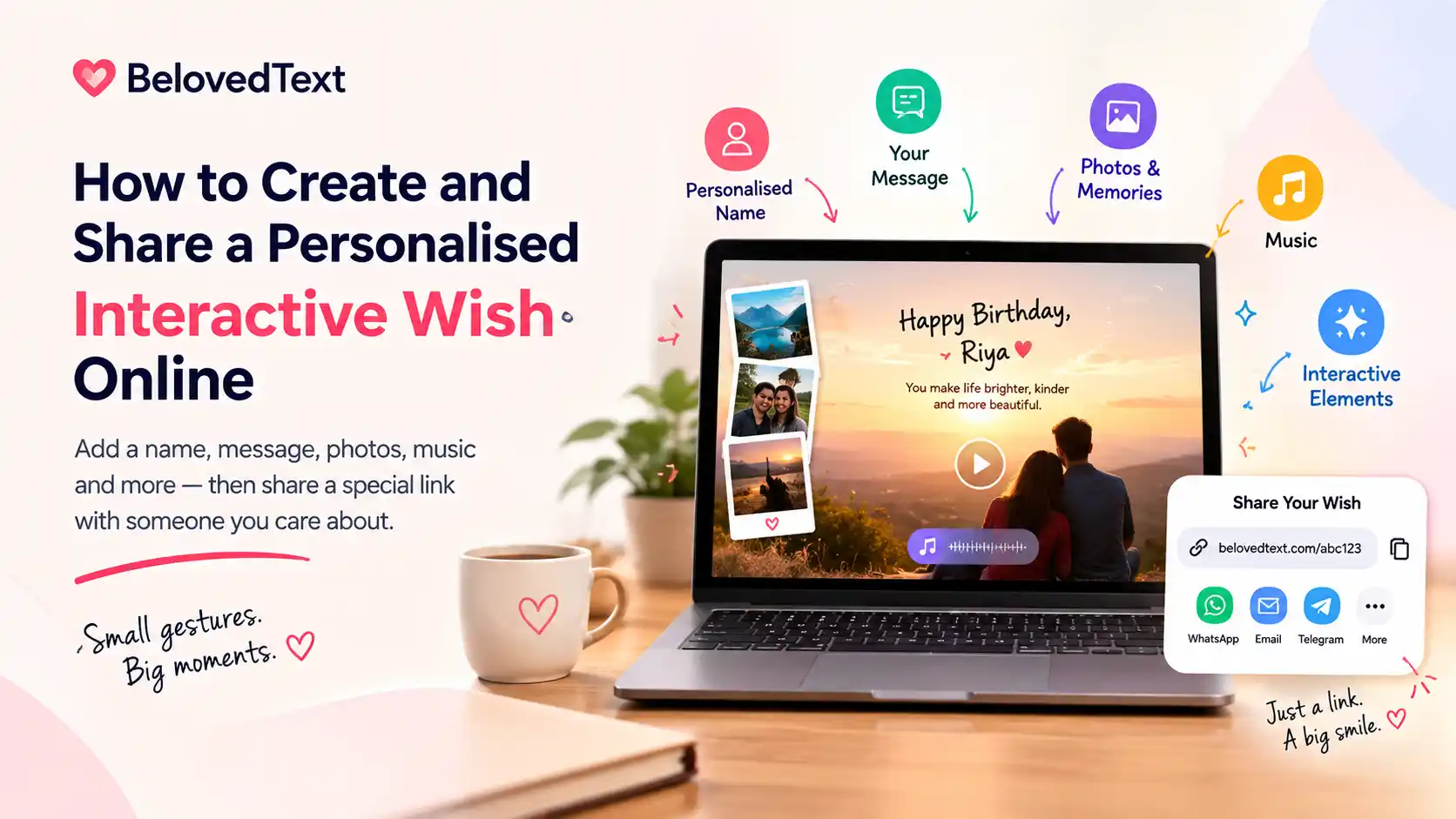
A thoughtful wish does not have to be a long message or an expensive gift. With BelovedText, you can create a personalised interactive wish with a name, message, photos, music, and a shareable link.
The recipient opens the link in a browser and experiences the greeting as a small digital surprise.
This guide explains how to create your first wish, personalise it, preview it, and share it with someone special.
What is an interactive wish?
An interactive wish is a digital greeting that the recipient can open and explore.
Instead of sending only a text message or a static image, you can create a page with elements such as:
The recipient’s name
Your personal message
Photos or memories
Animated scenes
Music
Interactive reveals
A shareable link
The recipient does not need to install an app or create an account to open the finished wish.
How to create a wish on BelovedText
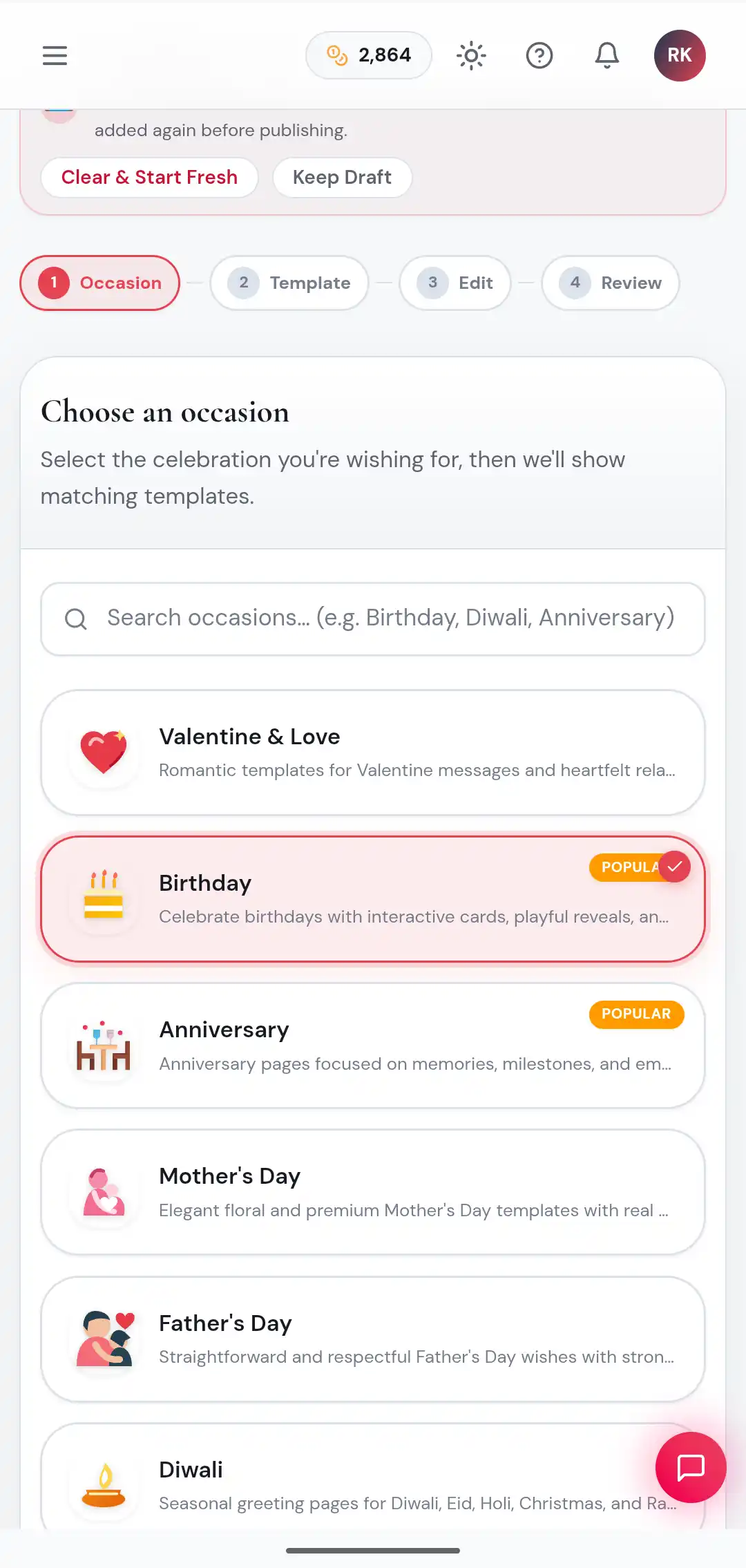
1. Choose the occasion
Open the BelovedText wish creator and select the occasion that matches your message.
Choosing the right occasion helps you find a design and message style that feels appropriate for the recipient.
2. Select a template
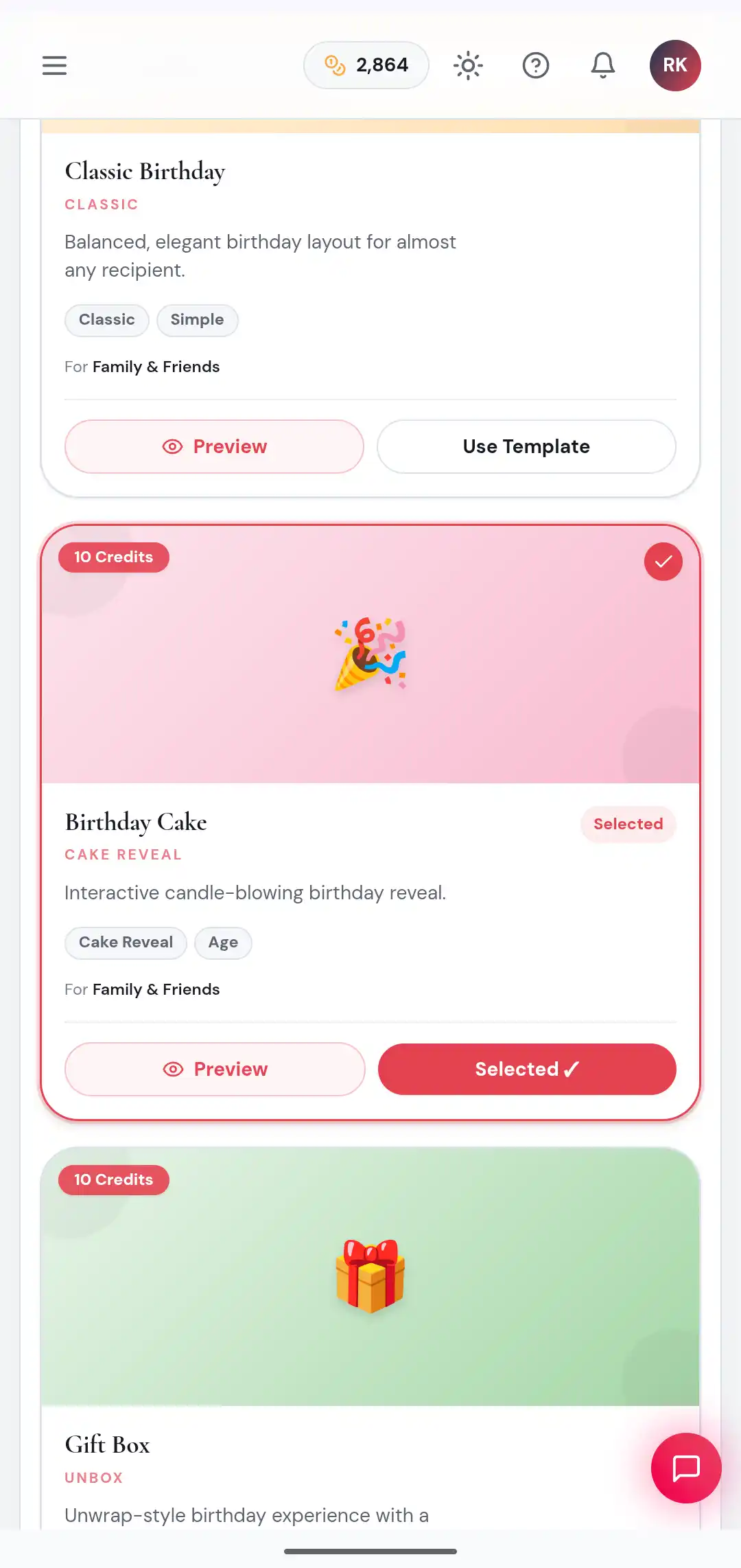
After choosing an occasion, browse the available templates.
Each template has a different mood and interaction. For example:
Classic Love is suitable for a romantic message
Storybook works well for a relationship or memory based message
Polaroid is useful when you want to highlight photos
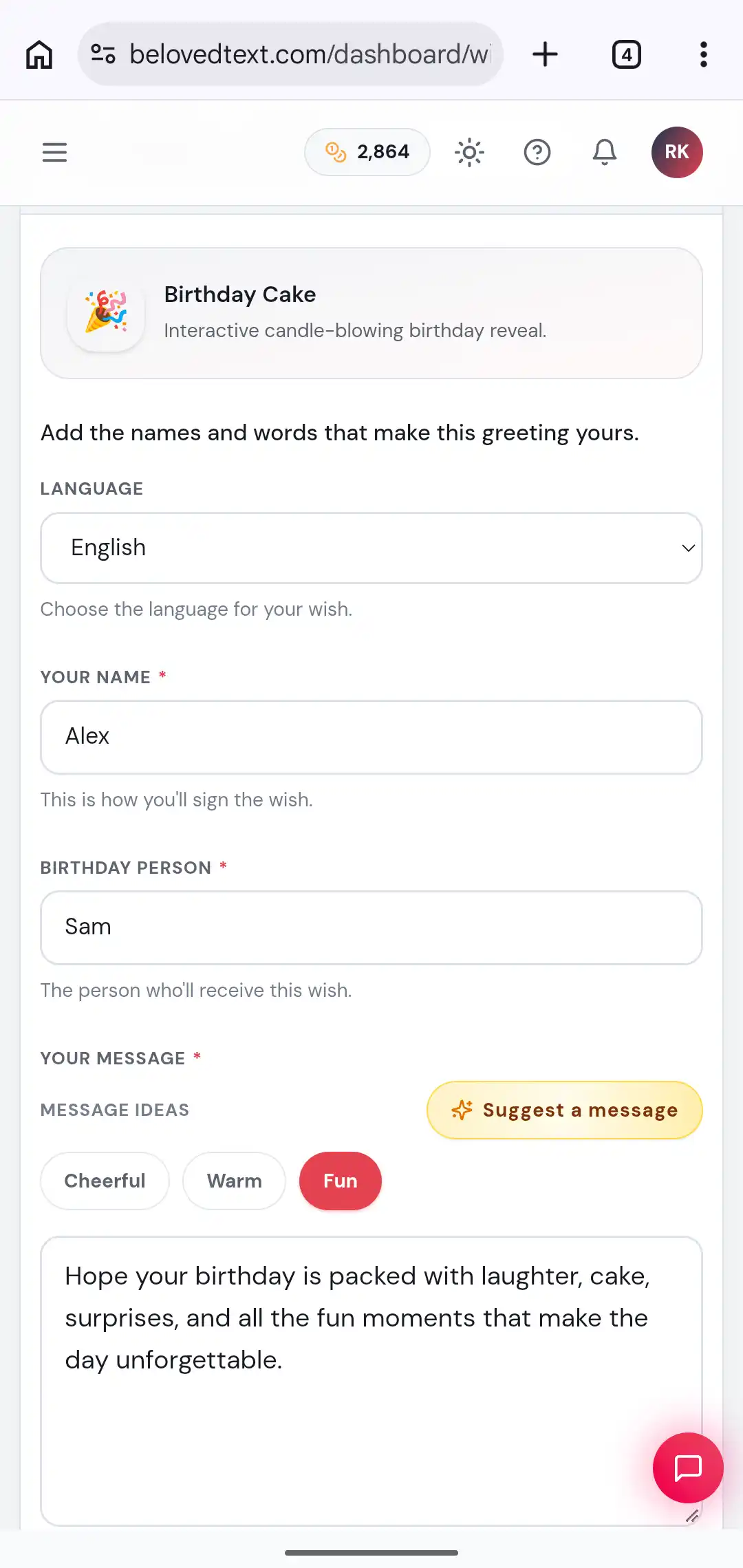
Birthday Cake is designed for a birthday reveal
Gift Box is suitable for a playful surprise
Look at the visual preview, read the short description, and choose the design that matches the relationship and occasion.
If you are unsure, start with a simple template. A sincere message usually matters more than choosing the most elaborate design.
3. Add the recipient’s name
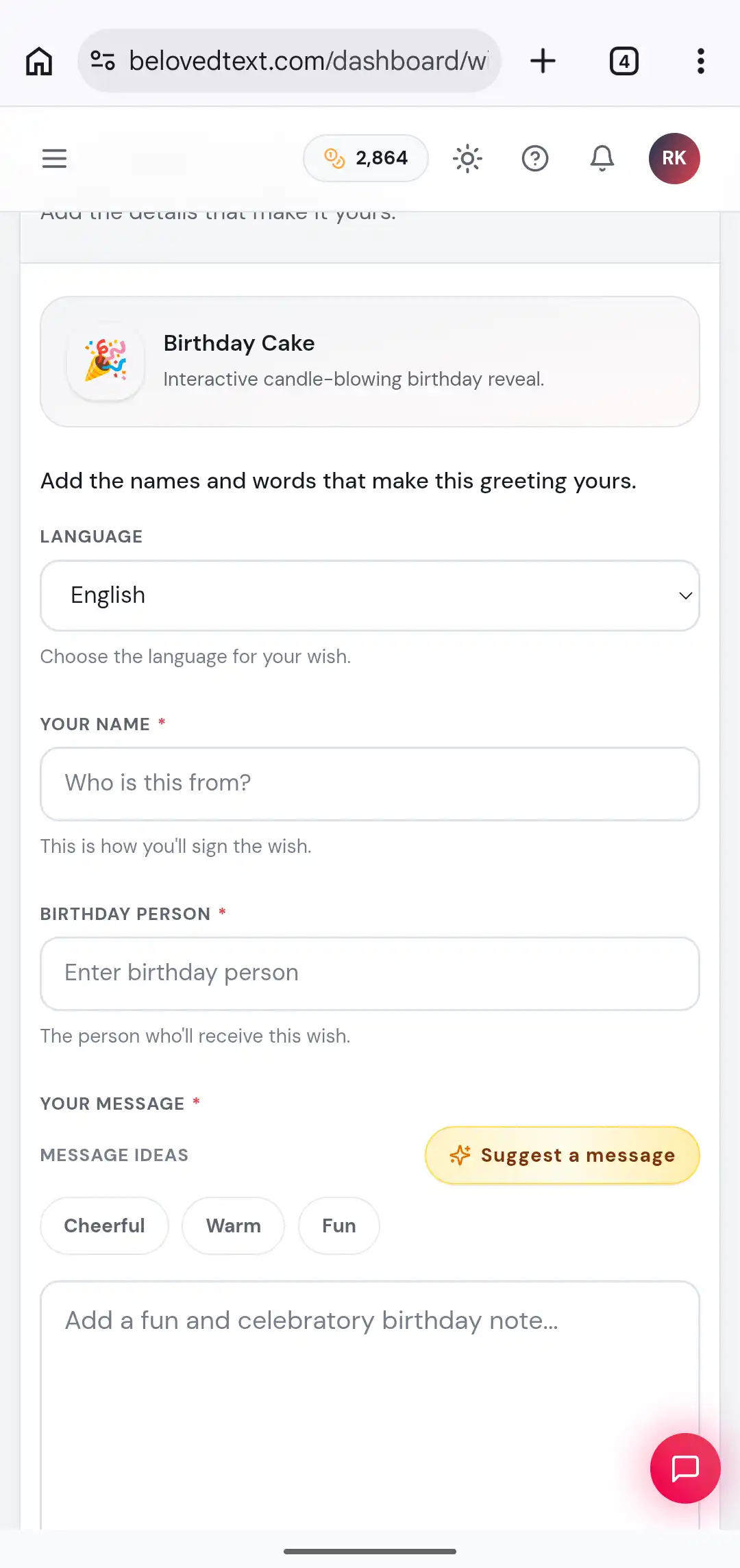
Enter the name of the person receiving the wish.
Using their name makes the greeting feel more personal than a general message. Check the spelling carefully before continuing, especially if the name will appear inside an animation or title.
4. Write your message
Your message does not need to sound perfect. It should sound like something you would genuinely say to that person.
A useful structure is:
Start with the occasion
Mention something specific about the person
Add a memory, feeling, or hope
End with a personal sign off
For example:
Happy birthday, Riya. You have brought so much warmth and laughter into my life. I hope this year gives you exciting opportunities, peaceful days, and many reasons to smile. With love, Arjun.
Specific details make a message feel more genuine. Instead of writing only “You are very special,” mention why the person matters to you.
5. Add photos or music when they support the message
Some templates allow you to add photos, music, or other media.
Use these features when they add meaning. One memorable photo is often more effective than several unrelated images.
Good photo choices include:
A favourite shared memory
A family moment
A meaningful trip
A childhood photo
A picture from an important milestone
If you add music, choose something that suits the mood of the message. A calm song can work well for an anniversary message, while a cheerful track may suit a birthday greeting.
Keep in mind that the recipient may open the wish in a quiet or public place, so the visual experience should still make sense if the sound is muted.
6. Preview the wish
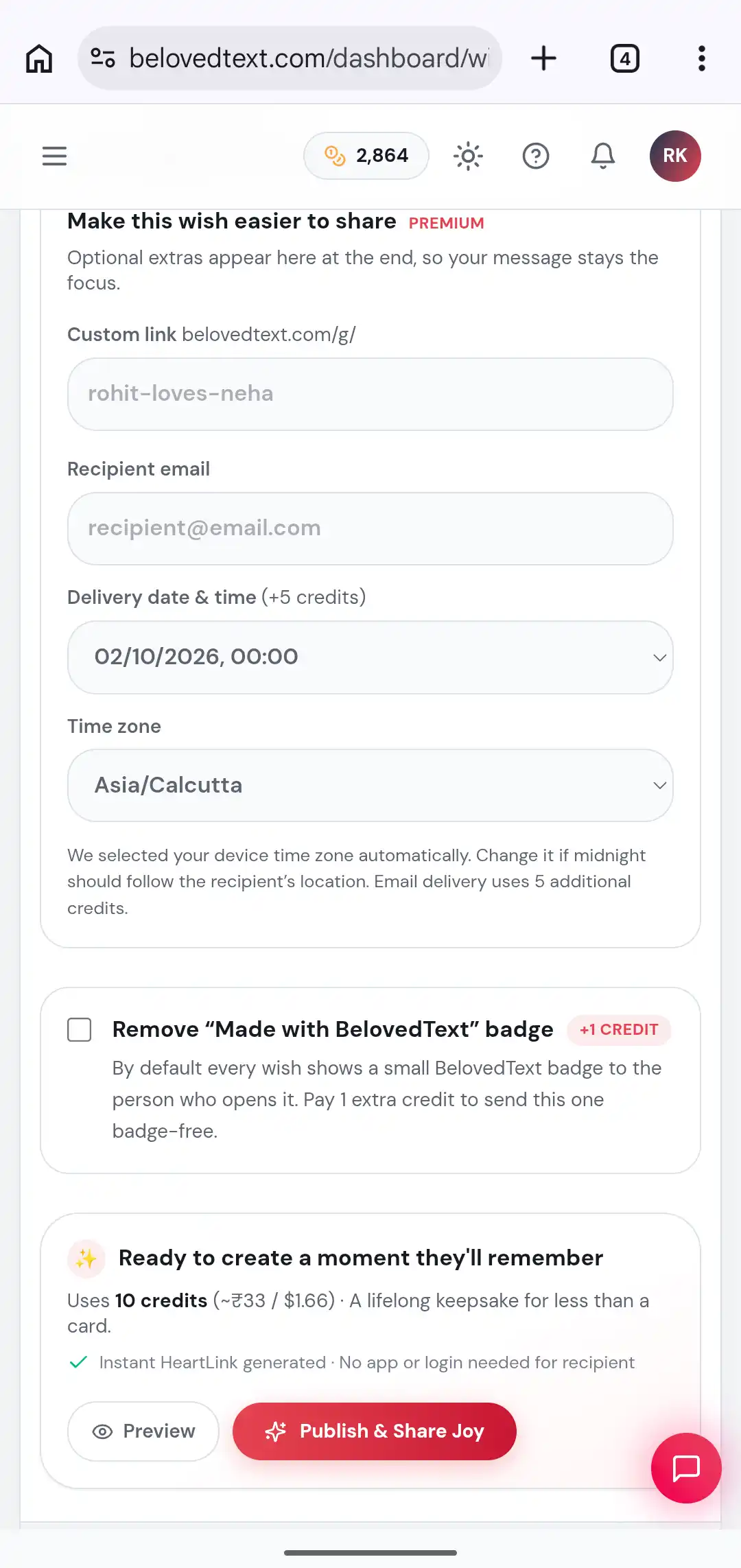
Before creating the final link, use the preview option to check how the wish looks and feels.
Review:
The recipient’s name
Spelling and grammar
The message layout
Photo positioning
Music selection
Animation flow
The final sign off
The preview is especially useful because interactive templates may reveal the message in stages. Reading the message in the final layout can help you notice spacing or wording issues that are easy to miss in the editor.
7. Create the wish
When the message and design are ready, create the wish.
BelovedText uses credits to publish interactive wishes. Classic templates and premium templates may have different credit costs. You can check the required credits before completing the creation process on the page.
Credits are used when you create the wish, not simply when you browse templates or preview your design.
If you don't have enough credits, open the
8. Copy the shareable link
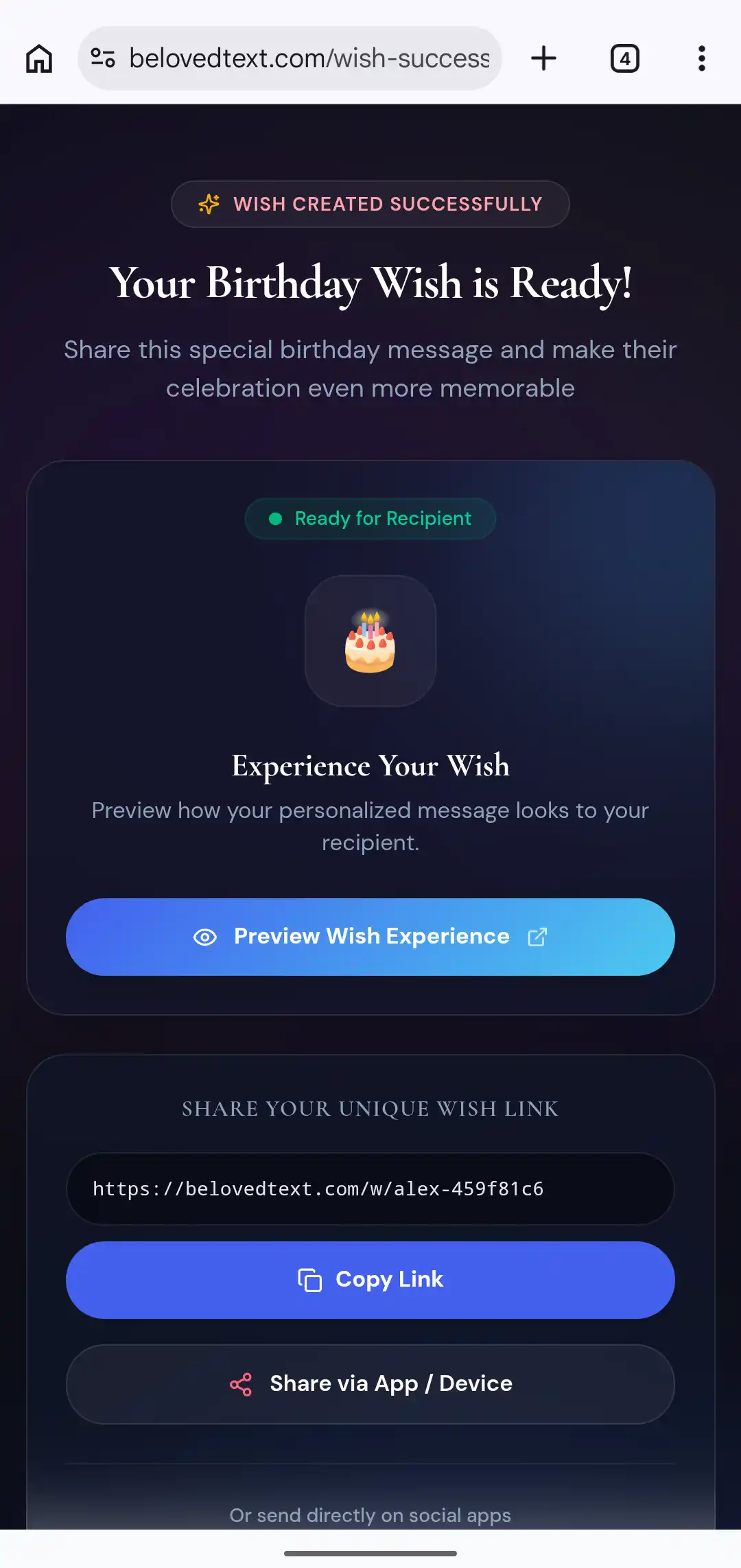
After the wish is created, BelovedText gives you a unique link.
You can share it through:
WhatsApp
Text message
Email
Telegram
Social media
A private message
A simple message can make the link feel more natural:
I made something small for you. Open this when you have a moment.
For a birthday, you could write:
Your birthday surprise is ready. Tap the link when you are free.
Avoid sending only the link without context. A short personal introduction can build curiosity and make the experience feel more intentional.
How to make the wish feel more personal
The design creates the first impression, but the message creates the emotional value.
Before writing, ask yourself:
What do I appreciate about this person?
What memory do we share?
What would I say if we were speaking privately?
What do I hope they remember after opening this?
What makes this occasion meaningful for us?
Try to replace general phrases with details.
Instead of:
You are a wonderful friend.
Write:
You were the person I called when everything felt difficult, and you always made the problem feel smaller.
Instead of:
I hope you have a great birthday.
Write:
I hope this birthday gives you the same comfort and happiness you have given to everyone around you.
Can the recipient open the wish without an account?
Yes. The recipient opens the shared link in a browser. They do not need to create a BelovedText account or install an app.
The creator needs an account to create and manage wishes, but the recipient can open the finished experience directly from the link.
What should you check before sharing?
Use this final checklist:
The recipient’s name is spelled correctly
The message sounds personal
Photos are clear
The chosen template matches the occasion
The preview works correctly
The share link opens properly
The link is being sent to the intended person
If the wish is for a specific date, create and test it early enough to make changes if necessary.
Create your first interactive wish
A memorable wish does not need complicated wording. Choose a design that fits the occasion, add one honest message, include a meaningful memory, and share the finished link with the person who matters.